A phone that won't charge may be a simpler problem than you think. Before going in for a repair, most cases come down to dust in the port or a damaged cable. Here is how to confirm the cause, try the simple fixes, and tell when the fault is in the port itself.
Check the Cable and Charger First
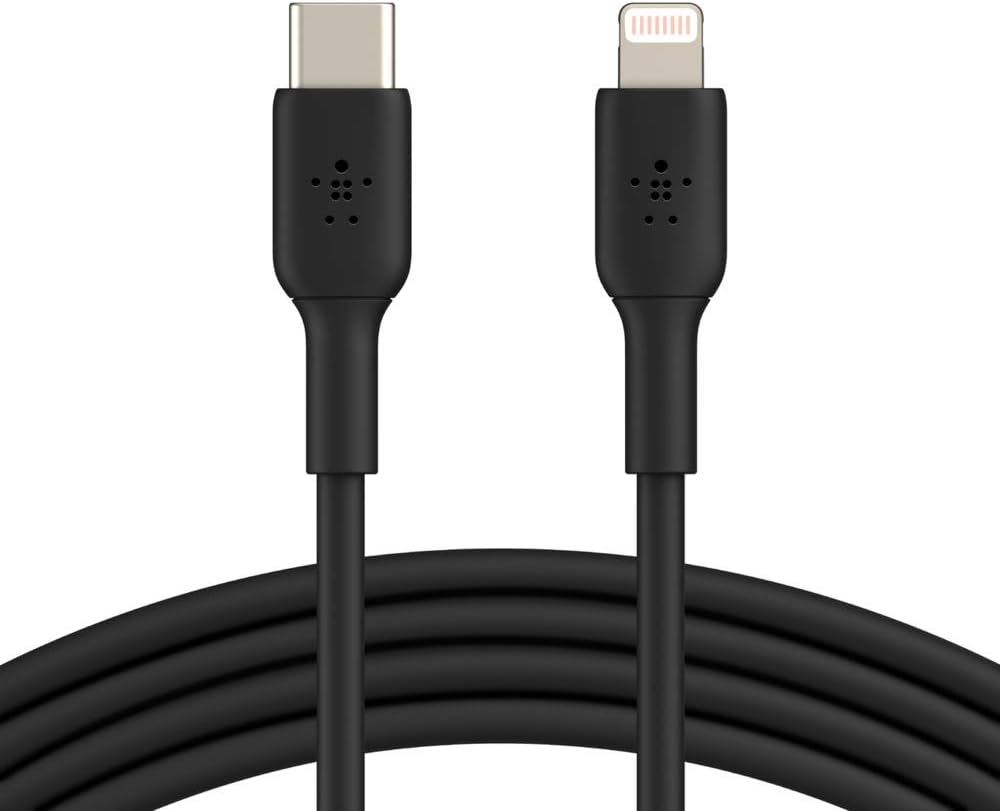
Try a different cable and charger, ideally genuine ones. Many no-charge cases are caused by a faulty cable rather than the device itself.
Clean the Charging Port
Dust and lint build up inside the port and block the connection. Turn off the device and clean the port with a soft brush or a light burst of compressed air. Avoid any metal tools.
Signs of a Faulty Port
| Symptom | Likely Cause |
|---|---|
| Only charges when the cable is held at a certain angle | Loose port |
| Won't charge with any cable | Port or board |
| Charges very slowly | Cable, charger, or a dirty port |
Charging Port Repair in Riyadh
If the fault turns out to be in the port, it needs a professional cleaning or replacement. An OMIXUS technician comes to you in Riyadh and fixes it on the spot. You can also refresh your cables from our chargers and cables.